

Standard
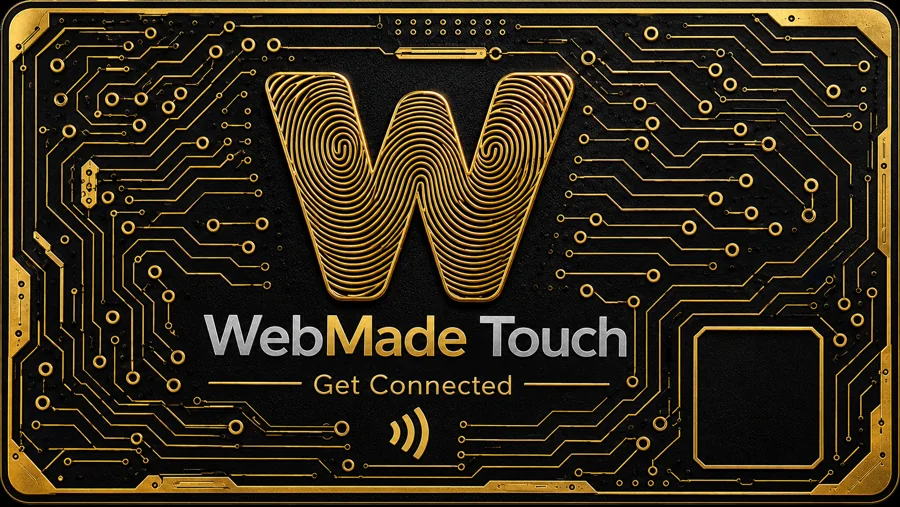
The fingerprint W, gold circuitry on black. Clean, timeless, impossible to forget.
WebMade Touch
A premium NFC card with your business behind it. Tap it to a phone and the customer lands on your Get Connected page: book, call, order, leave a review. Change where it goes any time. The card never changes.

Powered by WebMade Touch · Get Connected
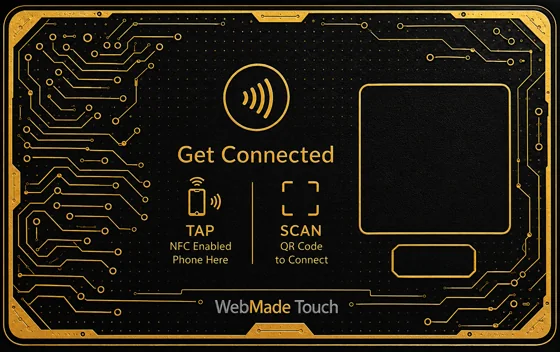
Works with every modern iPhone and Android. No app. The QR on the back covers everything else.
Point a card at booking today and reviews tomorrow. The card keeps its link; the page behind it changes.
Every card, every tap, one place. Pause a lost card in a second, rename it, give it to someone else.
Two fronts. The same card, the same technology, the same back.
The fingerprint W, gold circuitry on black. Clean, timeless, impossible to forget.
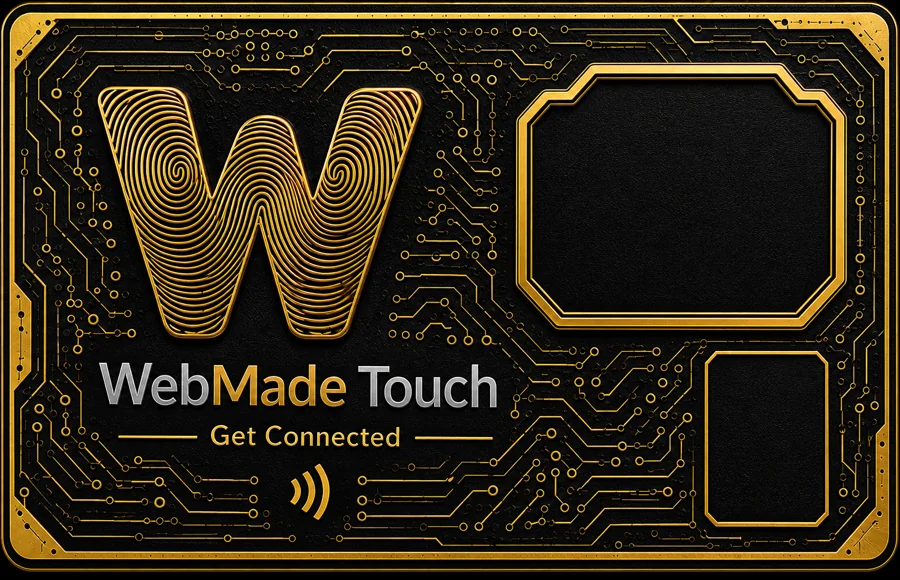
Your logo in the gold frame, printed on every card. Printing starts the moment we have your logo.
Pick a pack and a design. Cards ship programmed and ready to tap. WebMade client? Your Get Connected page is preset from your site, yours to review and change. New here? A short onboarding after checkout builds it from your business details.
Point each card at the page that matters most. Switch it any time from My Business.
Your whole business on one page: the main action first, the rest one tap below.
Straight to your Google review page. Stars first, no hunting.
Opens your calendar. Reminders and confirmations follow from My Business.
Name, number, email. Saved to their phone in one tap.
Your menu or service list, with ordering where you take orders.
Opens your payment link so a tap can close the sale.
Your site, exactly as WebMade built it.
Your assistant answers questions and books for you, by text or chat.
Every card carries a permanent link to WebMade. What that link opens is yours to change in My Business, as often as you like. New season, new offer, new person: same card.
How you do it
Weby walks you through it on the real order page: pick your pack, add your name and link, and continue to payment.
No. They hold the card to the top of their phone, or scan the code on the back, and the page opens in their browser.
Every iPhone since the XS reads the card by holding it near the top edge, and almost every Android with NFC does the same. Older phones scan the QR code on the back. Both open the same page.
Yes, any time, from My Business. The card keeps its link; you change the page behind it. Nothing is reprinted or rewritten.
The page your card opens: your name, your main action (book, call, order) and the rest one tap below, with a way for the customer to share their contact back. If WebMade built your site, it is preset from that site the moment you order: review it and change what you like. If not, a short onboarding after checkout builds it from your business details.
Yes. Choose the Add your logo design and every card is printed with your logo in the gold frame. We use the logo already on your profile, or you upload it in Touch Studio after checkout. Printing starts the moment we have it.
Each card has its own name and its own page in My Business. A team of six can carry six cards that open six different pages, or all the same one.
Pause it in My Business and it opens nothing. Order a replacement; the old card stays off. Touch cards are not refundable.